# Find Documents in the Document Register
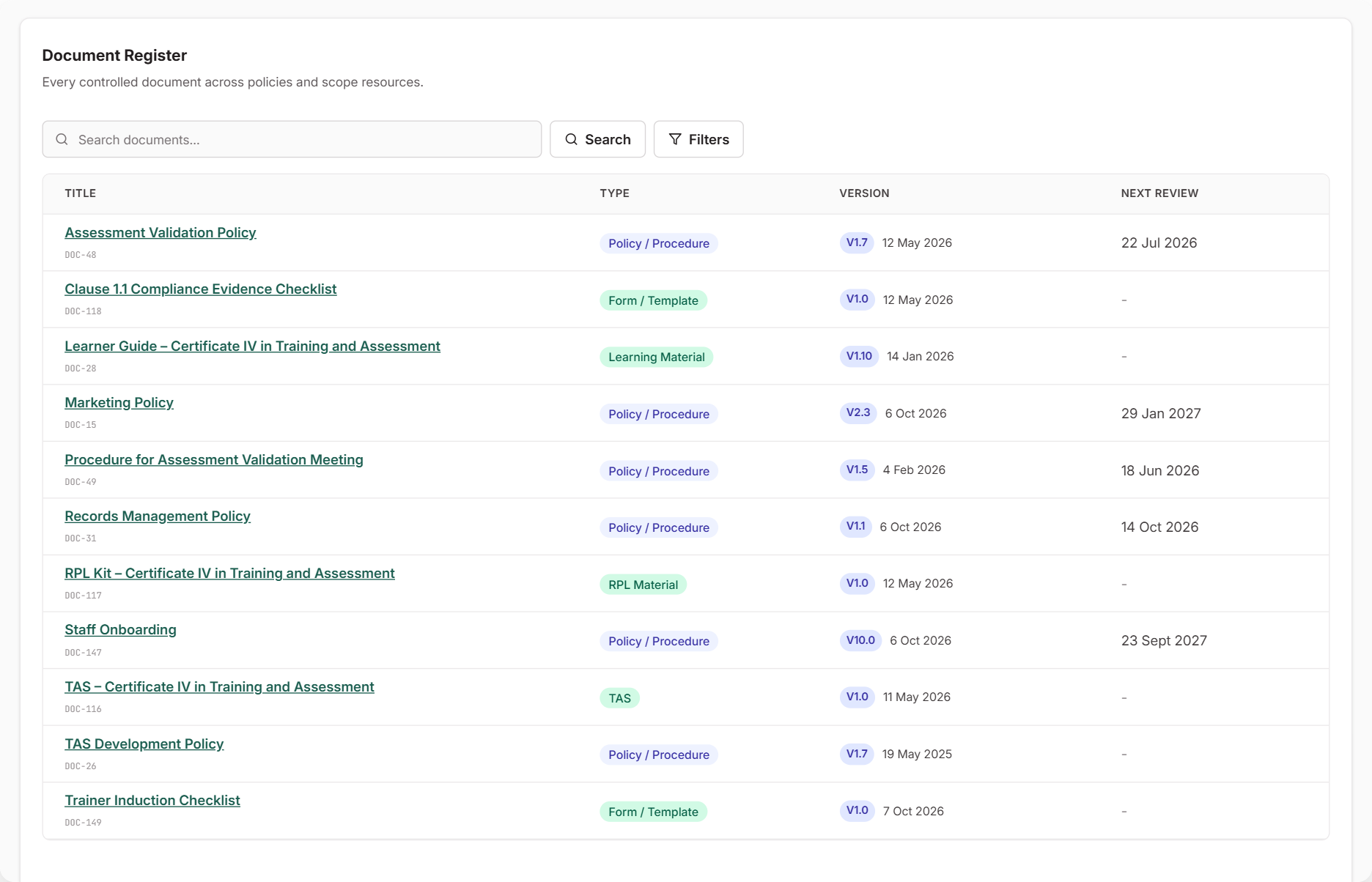
The Document Register lists the documents you control in RTOSafe. That includes your policies and procedures, forms and templates, and the training and assessment resources for your scope. Each document shows its current version and when it's next due for review.
You don't add documents in the register itself. Each one is added where it belongs, and the register brings them all together.
***
## When to Use This
* Someone asks for your current documents and which versions are in use
* You want to see which documents are coming up for review
* You need everything held for one training product, such as its TAS and assessment tools
***
## What's in the Register
| Type | Where you add it |
| --- | --- |
| Policy / Procedure | [**Policies / Procedures**](https://app.rtosafe.com.au/Policies). See [Upload Policies and Procedures](/help/uploading-policies). |
| Form / Template | The **Forms / Templates** tab on a policy |
| TAS, Assessment Material, Learning Material, RPL Material | The **Resources** section of a training product in [**Scope**](https://app.rtosafe.com.au/Scope) |
Files attached to a record, such as a complaint or task, stay with that record. Archived documents don't appear either.
***
## Find a Document
1. Open [**Resources → Documents**](https://app.rtosafe.com.au/DocumentRegister).
2. Search or filter the list, for example to one training product.
3. Select a document's title to open it.
To update a document, open it and start a new version. See [Create a New Policy Version](/help/policy-versions).
***
## Common Issues
A document I uploaded isn't listed
Only the types in the table above appear. Files attached to a complaint, task or other record stay on that record, and archived documents are hidden. General files on an older Files page under Resources aren't part of the register.
Next Review shows a dash
No review date has been set for that document. You can set a review date when you upload a policy or a form, or by editing a policy later.
I archived a document by mistake
You can't restore an archived document yourself. Contact support with the document's name and any other details that help identify it.