
Lodge an Appeal
A student appeal reaches you in one of two ways: the student lodges it on your public appeals form, or a staff member logs it in RTOSafe. Either way, it lands in Appeals, ready to decide.
ASQA’s practice guide expects RTOs to offer multiple channels for lodging appeals, including in person through trainers and other staff, by telephone and by email. Recording every appeal in the same place, however it was lodged, means each one is handled through the same appeals management system.
Choose how the appeal arrived and click through each step:
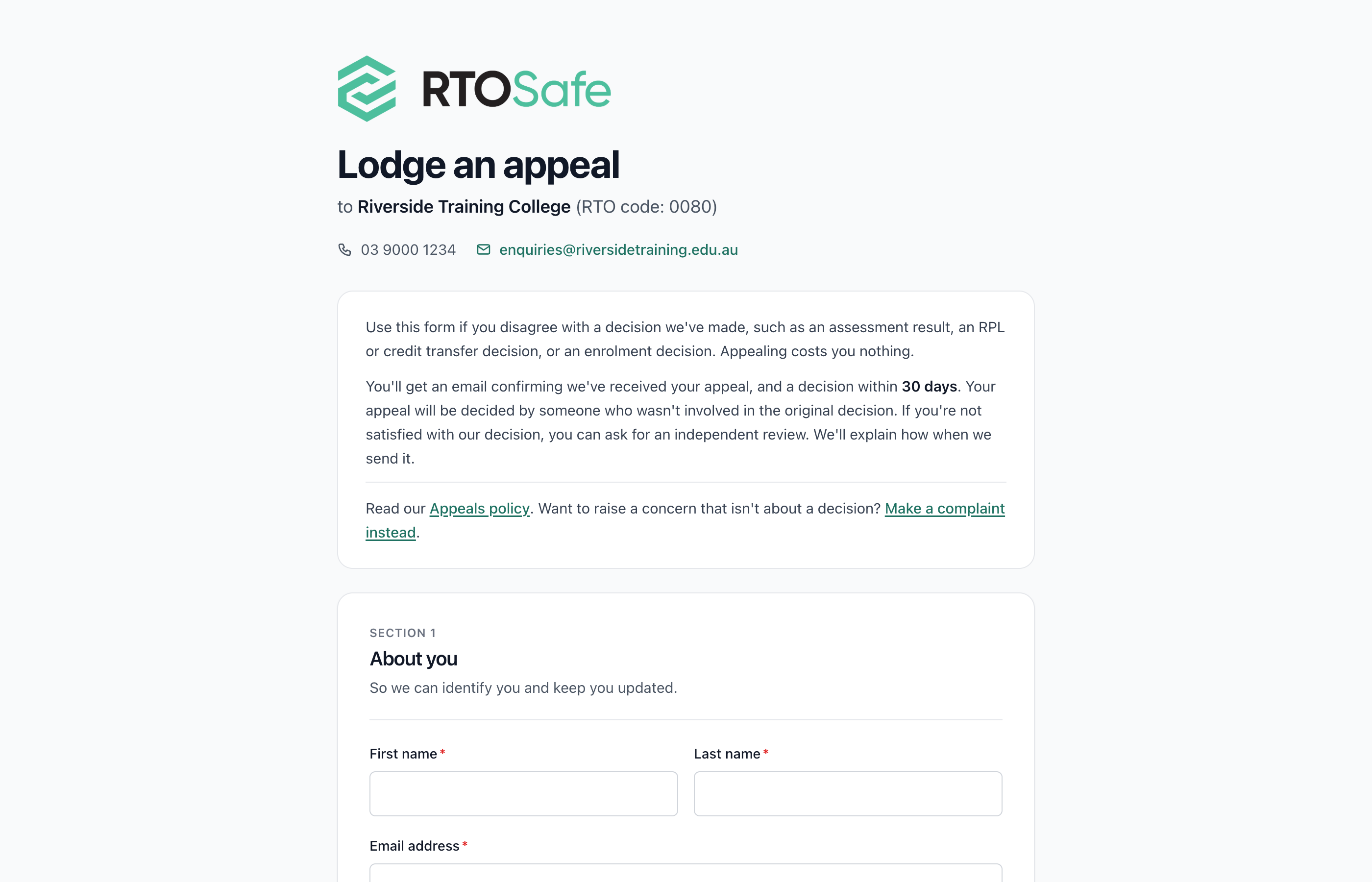
Through Your Public Appeals Form
Once appeals are set up, students can lodge an appeal on your public form. It appears in Appeals straight away, and the student gets a case ID and a receipt by email.
Log an Appeal Made to Staff
If someone appeals by phone, email, letter or in person, select Log Appeal and record it. Use the date you actually received it, because the outcome is due from that date.
To appeal a complaint outcome, select Log Appeal on the resolved complaint, and the two are linked.
What Happens Next
Assign a reviewer and decide the appeal. See Decide an Appeal.
Common Issues
Why can't students find our appeals form?
Check that appeals are switched on, and that your public appeals form link is on your website and in your student handbook. See Set Up Your Appeals Process.
Is it an appeal or a complaint?
An appeal asks you to look again at a decision, such as an assessment result. Anything else is a complaint. If an appeal isn’t about a decision, you can mark it as not accepted when you send the outcome.